

Today at a glance
Punch in, today's follow-ups and meetings, and a short ZenoxAI summary of the period you choose.
The ZenoxCRM Android app gives sales staff, field teams and managers the CRM on their phone: leads, deals and customers, follow-ups with reminders, the Auto Dialer, WhatsApp chat, face attendance, estimates and invoices, leave and payslips. It uses the same login, data and permissions as the web and is included with every ZenoxCRM plan.
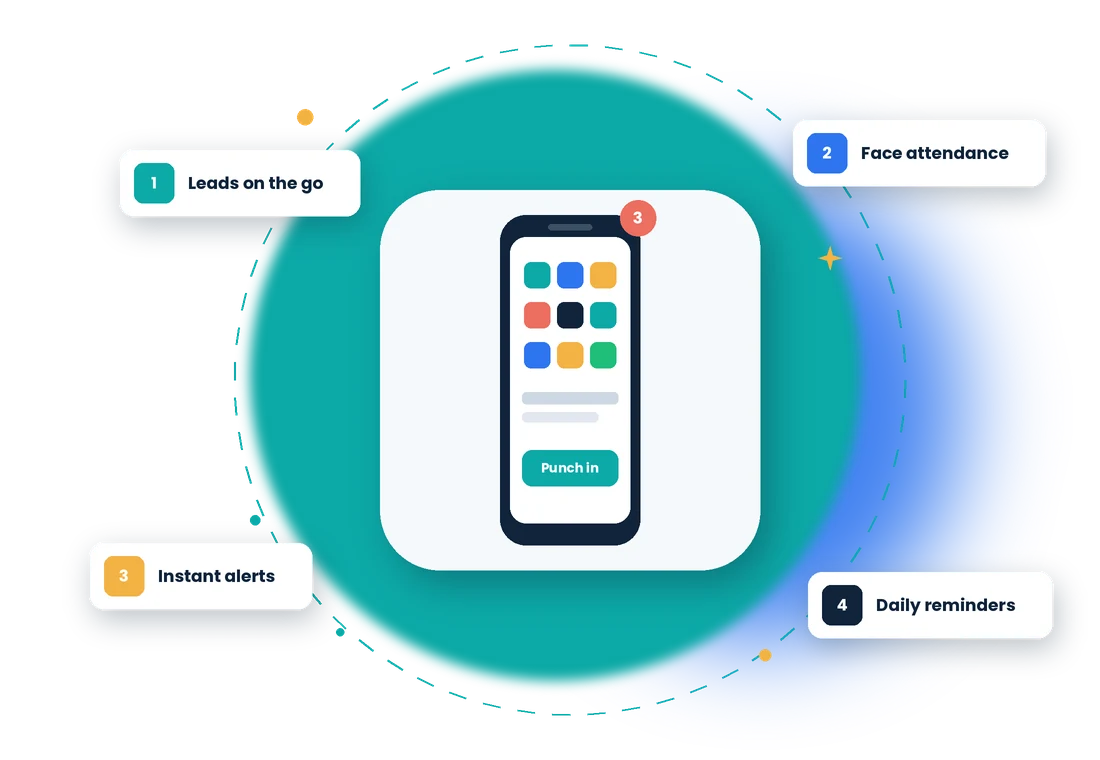
Sales and field staff spend most of the day away from a desk. With the app they see today's follow-ups and meetings, call and message leads, update deals, raise estimates and mark attendance from the phone—so the CRM stays current without waiting for someone to get back to the office.
In ZenoxCRM, Mobile CRM App follows 5 steps: Install from Google Play → Sign in → See your day → Work your leads → Get notified.
Every screen follows your role permissions, so each person sees only what they are allowed to.
Punch in, today's follow-ups and meetings, and a short ZenoxAI summary of the period you choose.
Search, add and edit leads and customers, create deals with product, value and stage, and attach photos or files from the camera.
Reminders at each follow-up's time, 15 minutes before meetings, and a 9 AM summary of the day's follow-ups.
A push notification reaches the salesperson and their manager the moment a lead or deal is assigned. Tap it to open the contact.
Work through calling lists from your own phone and save the outcome and next follow-up after every call.
Reply to customers from the team inbox and pause the AI assistant when you want to take over a chat yourself.
Punch in and out with a selfie matched to the employee, inside the office radius, with fake-GPS blocked. Meetings start and end the same way.
Create estimates, proforma invoices, invoices and receipts, record purchases and bills, and share PDFs.
Apply for and approve leave, view payslips, read and accept HR letters, upload documents and complete reviews.
See how Mobile CRM App fits industry-specific workflows.
The app is included with your ZenoxCRM subscription at no extra charge. Each person signs in with their own ZenoxCRM user.
The app is available for Android on Google Play. iPhone users can use ZenoxCRM in the phone's web browser.
No. Location is checked only when you punch in or out and when you start or end a meeting, while you are using the app.
Company setup such as role permissions, WhatsApp configuration, AI setup, templates and detailed reports are managed on the web. Day-to-day work is in the app.
Talk to our team about how this workflow can fit into your business.