

Calling lists from your CRM
Filter leads or deals by status, source, owner, product or follow-up date, or upload a CSV file. Uploaded numbers are matched to your existing contacts.
The ZenoxCRM Auto Dialer lets managers build calling lists from leads, deals or an uploaded file and share them among sales staff. The ZenoxCRM Android app then dials each number from the salesperson's own phone, and after every call the outcome and next follow-up are saved on the lead. It is included with Core CRM.
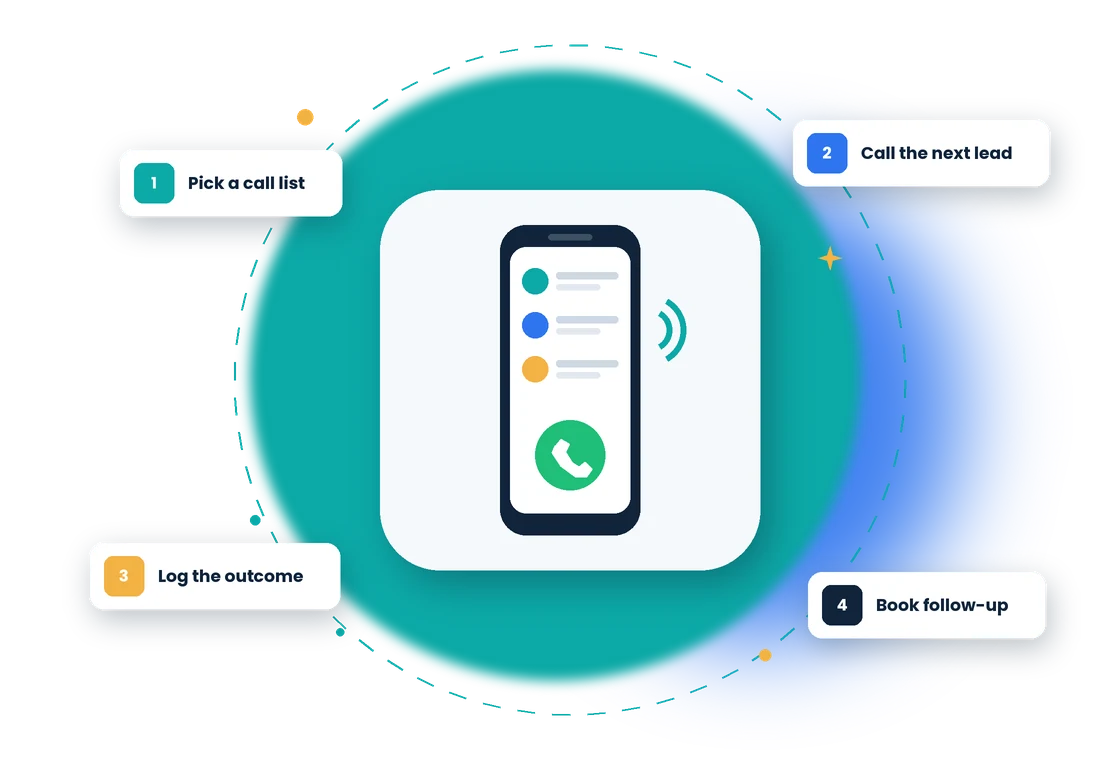
Telecalling usually means a spreadsheet, a phone and a notebook—and half the outcomes never reach the CRM. The Auto Dialer puts the next number, the lead's details and the update form on one screen, so your team makes more calls in less time and every call leaves a record.
In ZenoxCRM, Auto Dialer follows 5 steps: Build a calling list → Share it with your team → Call the next lead → Log the outcome → Track progress.
Built for teams that call many leads a day—from real estate and education to insurance and B2B sales.
Filter leads or deals by status, source, owner, product or follow-up date, or upload a CSV file. Uploaded numbers are matched to your existing contacts.
Share a list round-robin among the salespeople you choose, or keep every lead with its current owner.
The app shows the next lead with a short countdown and dials it from the salesperson's own SIM. No telephony plan or per-minute charges.
Save the call result—connected, not answered, busy, wrong number or call back—and update the lead's status, value, product, notes and next follow-up on the same screen.
Unanswered numbers come back for another try. A lead is locked while someone is calling it, so two people never call the same customer.
See each list's pending, called, connected and finished leads, plus every call by every salesperson, from the web.
See how Auto Dialer fits industry-specific workflows.
No. Calls are placed from the salesperson's own mobile number through the ZenoxCRM Android app, using their existing calling plan.
Yes. The Auto Dialer is part of Core CRM, priced at ₹4,000 per user per year. Who can create lists and who can call is controlled by role permissions.
No. The app only places the call. After the call, the salesperson saves the outcome and next follow-up, which are stored on the lead.
Yes. Upload a CSV file and ZenoxCRM matches each number to your existing leads and customers before the list is shared with your team.
Talk to our team about how this workflow can fit into your business.